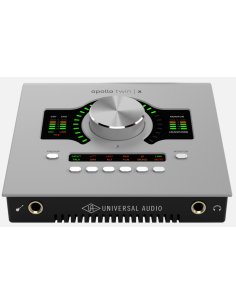
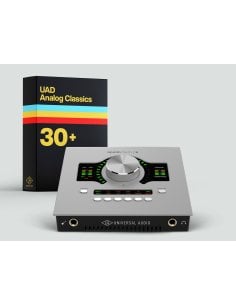
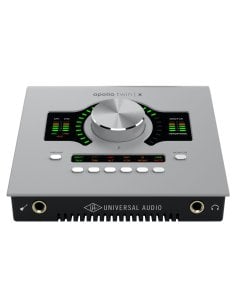
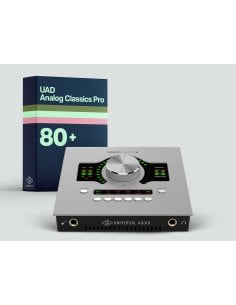
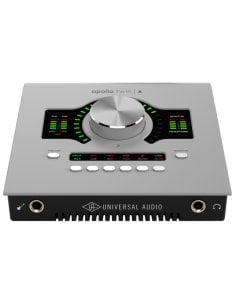
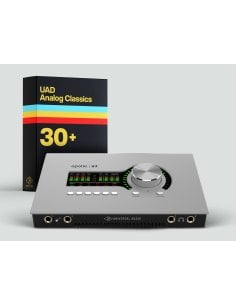
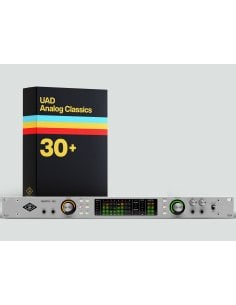
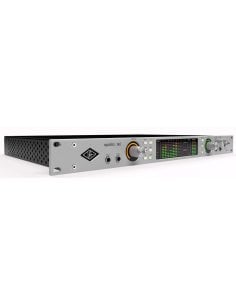
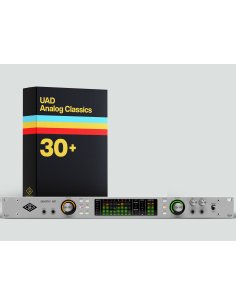
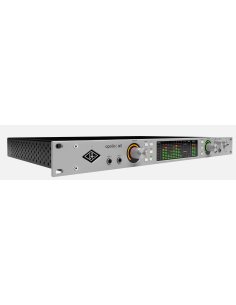
Until July 31st, purchase a qualifying Apollo interface and get up to 12 world-class UAD plug-ins for free:
Here are the steps to receive your free software:
- Download the application: Download and install the free UA Connect software on your Mac or Windows computer.
- Create an account: Open the application and log in with your Universal Audio account, or create a new one if you don't have one.
- Connect the interface: Connect your Universal Audio interface to your computer.
- Register the hardware: Click the "Register Hardware" button within UA Connect to link the interface to your profile.
- Redeem the plug-ins: Once registration is complete, the system will recognize the active promotion and automatically add the plug-in licenses to your UA account.
- Install the software: You will find the plug-ins ready to download in the "UAD Plug-ins" or "Instruments" tab of UA Connect, where you can download and activate them via the iLok License Manager application.
- Promo Period: Valid for purchases made from July 1st to July 31st, 2026.
- Registration: You must register your product via the UA Connect app by August 15, 2026 to receive your free plug-ins.
Don't waste time: the offer expires at the end of the month! See the products below. ↓



 Italiano
 English
 Deutsch
 Français